

 Claude
 ChatGPT
 Gemini
 Grok
Grok Copilot
 Perplexity
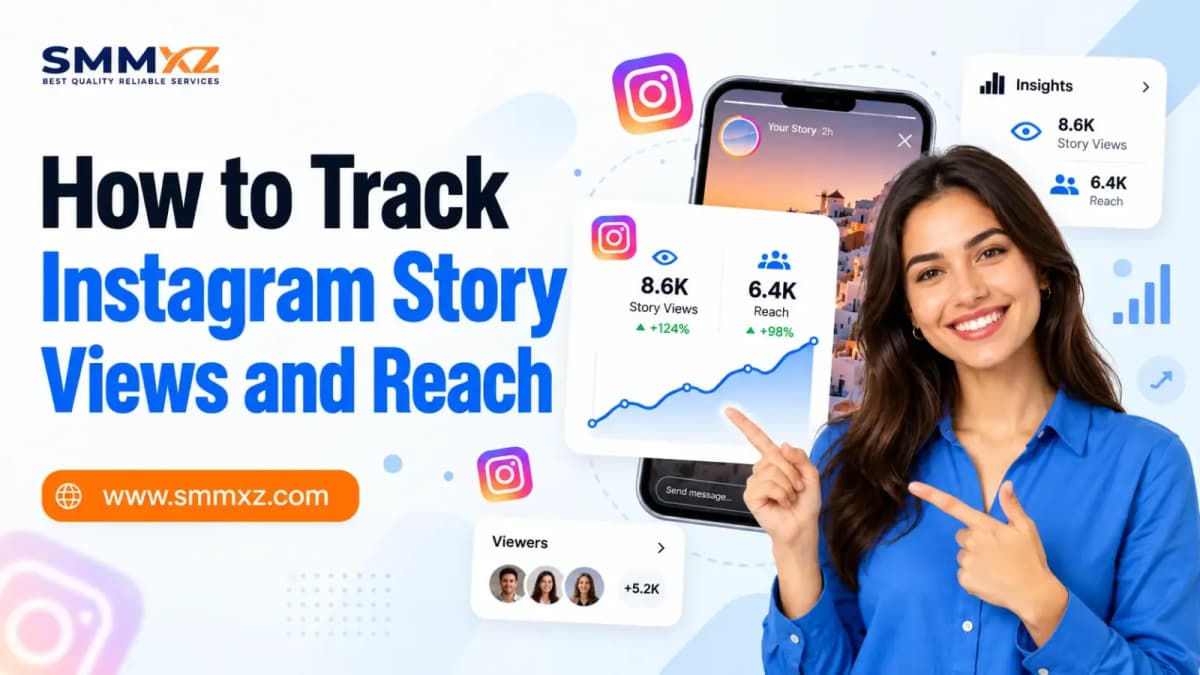
Do you want to learn how to track your Instagram Story views and reach? Instagram Insights will help you determine how many views your stories have had from your audience and how many accounts you have reached using your stories.
Let’s say that you published an Instagram Story that got 1,000 views. Great, right? But were these 1,000 unique viewers who viewed your story, or maybe some of them did so more than once?
That’s why getting acquainted with the statistics of Instagram Story views, reach, and engagement becomes essential.
If you are an influencer, a content creator, or a business owner, you will be able to learn more about your audience using this information. This article will teach you how.
What Is an Instagram Story View?
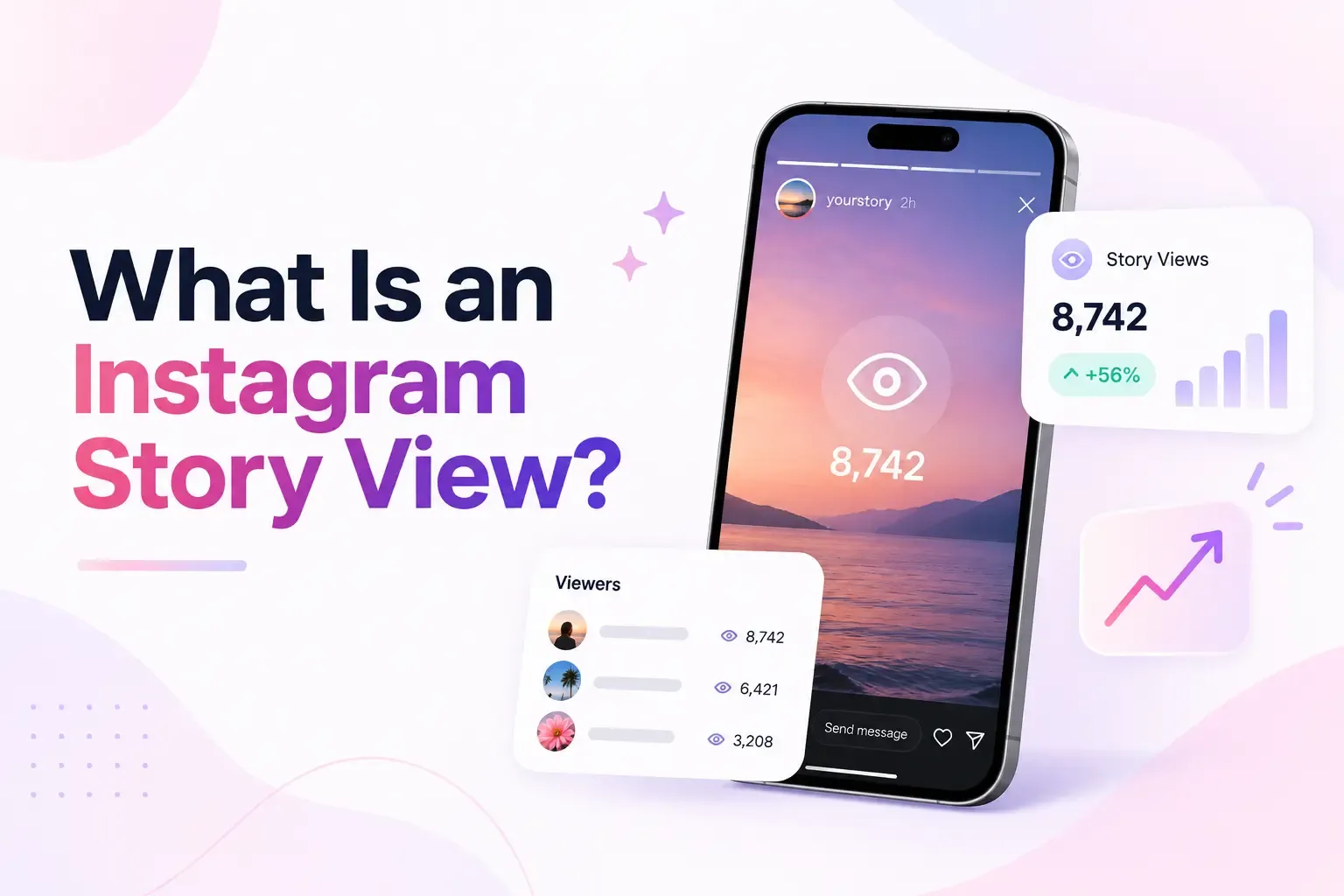
The number of Instagram Stories views is the total number of times people have watched your Stories on Instagram.
The Instagram Story Views metric will provide you with the total number of times your Stories were watched.
For example, if one person watches your story three times, it can result in three views and one reach.
One should distinguish Instagram Stories views from such activities as likes, replies, and sticker taps since the first ones show the number of viewing actions while the second ones allow you to know how your viewers interact with your stories.
It means that the presence of many views does not mean engagement with your content.
What Is Instagram Story Reach?
Instagram Story reach is the total number of unique accounts that have viewed your Story. In contrast with the total views of your content, reach does not count repeat views.
Suppose that you want to post an update about one of your products in an Instagram Story. While some followers will view it only once, some others will return to see it again. This way, the total views will grow, but the reach will grow only if there is a new viewer.
Using the Instagram Story reach helps to assess the audience of the post. In addition, using this metric helps to compare the performance of your content in terms of reach to another kind of content, for example, the reach of Instagram Reels.
Together with the likes, replies, and sticker engagement, this metric will help to measure the engagement of your stories.
How to Track Instagram Story Views and Reach: 6 Easy Steps
To monitor views and reach on an Instagram Story, either access the viewership information within the Story itself or use Instagram Insights to get specific insights about its performance. Here is how you do it in six easy steps.
1. Open Your Instagram Profile
Open up the Instagram application and click on your profile picture at the bottom right corner. You can find your active Stories and also access the Professional Dashboard from your profile page.
2. Open Your Instagram Story
Tap on your profile photo to start a story session. To open the viewer activity option, swipe up or tap on it at the bottom of the screen.
This will reveal the list of viewers. Performance statistics can be viewed separately through Insights.
3. Check Your Instagram Story Views
Check out the view count in your Story's activity or insights section. The view count reflects the number of times your Story was viewed by people, and there might be duplicate views from the same account.
When contrasting organic success with promoted content, it is important to know about the Instagram Story views options too.
4. Open Instagram Insights
Go to your profile settings and select either “Professional Dashboard” or “Insights.” Choose your Story content and check its performance.
“Instagram Insights” is available for professional profiles. Names in the menu will differ according to your Instagram version.
5. Find Your Story Reach and Engagement Metrics
Open your Story's insights to see how many people viewed your post and how many liked, replied to, and navigated your story.
These statistics can give you an idea about your reach and audience engagement.
6. Compare Your Story Performance Over Time
Examine some recent Stories from the same reporting period. Compare their perspectives, reach, replies, and other interactions.
Identify trends in terms of subject matter, time of posting, and type of content. This information can help you create more appealing Stories.
Which Instagram Story Metrics Should You Track?
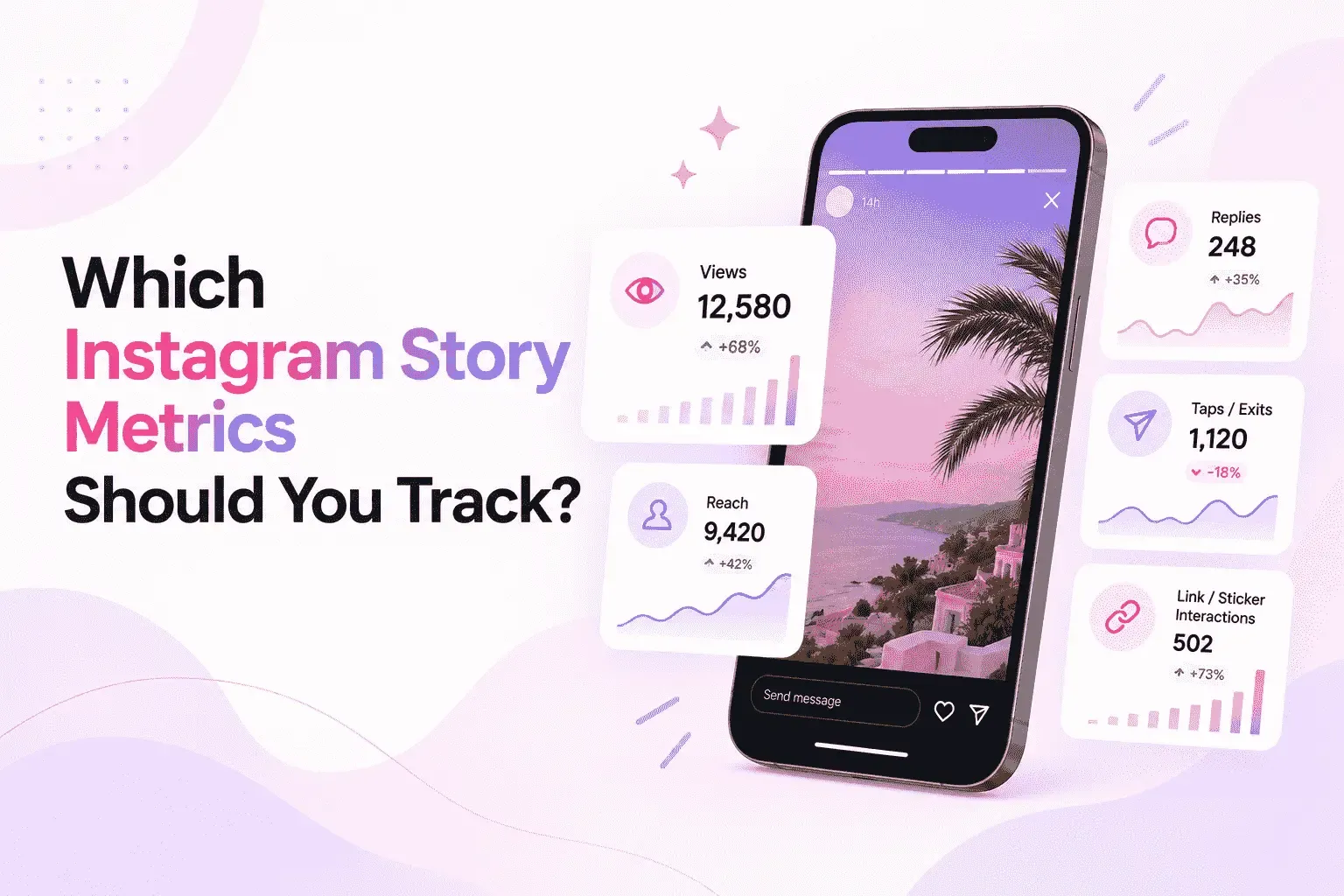
Instagram Story metrics help you understand how people respond to your content. Instead of checking only views, focus on these five important Instagram Story Insights metrics.
Story Views
Story views show how many times your content has been viewed. This metric helps you measure overall viewing activity.
- Check which Stories receive the most views.
- Compare photos, videos, and other Story formats.
- Identify topics that attract more attention.
A higher view count can show interest in your content, but check other metrics to understand viewer behavior.
Accounts Reached
Accounts reached shows how many different Instagram users saw your Story.
- Track how many unique accounts your Stories reach.
- Compare reach across different posting times.
- Check whether your content reaches new viewers.
This metric helps you understand your audience size and whether your Stories are reaching more people over time.
Story Replies and Likes
Replies and likes are useful Instagram Story engagement signals. They show when someone takes action after seeing your content.
- Likes show a simple positive response.
- Replies can start direct conversations.
- Questions and polls can encourage participation.
For businesses, Story replies can also reveal customer questions and product interests. Regular Instagram performance monitoring can help you understand how these interactions change across your campaigns.
Forward Taps, Back Taps, and Exits
The above is a summary of how viewers navigate through your stories.
- Taps forward: Viewer navigates to your next story.
- Taps backward: Viewer navigates to your previous story.
- Exits: Viewer exits from the stories feed.
A high number of backward taps might be an indication that people want to go back to something. A high number of forward and exit taps may be an indicator that there is a problem with your stories, but not necessarily the case.
The Hootsuite article on Instagram story analytics talks about how these metrics can be useful.
Link Clicks and Sticker Interactions
The use of link clicks and stickers helps to establish viewer action.
- Link clicks indicate the number of visits made using your Story link.
- Poll reactions indicate viewer preferences.
- Question sticker answers give useful feedback.
Consider a scenario where a clothing shop promotes its latest collection using a product link sticker. Link clicks can help the business to gauge the interest of viewers in checking out these products.
How Can an SMM Panel Support Instagram Story Promotion?
Instagram SMM panel refers to an online service providing social media marketing tools such as followers, likes, and views, which creators and companies use for their Instagram marketing activities.
The Instagram SMM panel can provide Story view packages aimed at increasing the number of views that are displayed, provided that the proper service is selected.
Nevertheless, purchased views and actual engagement should be differentiated. An increase in views does not guarantee an increase in the number of accounts reached or replies.
Before buying anything, it is necessary to consider the quality of the service, its cost, time of delivery, as well as the platform policies.
How Can SMMXZ Help With Instagram Story Promotion?
SMMXZ is an Instagram promotion panel that provides various marketing services on the social platform. Users can view different packages for Instagram followers, likes, views, and more services. In case of planning an Instagram Story promotion, you should see if the packages are available for Stories promotion at the moment.
At SMMXZ, users can view information about the services before placing the order. The information will include:
- Number of available service orders and their prices.
- Delivery information and requirements.
- Terms of service and refills, if any.
- For effective results, use Instagram growth services in combination with Stories, stickers, and content.
Explore different Instagram services at SMMXZ and choose a package for your promotion needs.
Frequently Asked Questions About Instagram Story Views and Reach
1. Can I See Who Viewed My Instagram Story?
Absolutely. Just open your active story and swipe up to see a list of viewers. Viewer names will generally show up within 48 hours of posting your story.
2. Why Are My Instagram Story Views Higher Than My Reach?
The views could come from multiple viewings from the same account, but reach would only include unique accounts. This is the reason you have more views than reach.
3. Can I Check Instagram Story Views After 24 Hours?
Yes. The Instagram Stories Archive and Insights feature can provide previous performance data. However, there are different times when viewer names and data are available.
4. Can Instagram Story Reach Increase Without New Followers?
Yes. Your Stories will be accessible to a larger audience via sharing and other forms of discovery, irrespective of the constant number of followers you have.
5. Can SMMXZ Help Increase Instagram Story Views?
SMMXZ offers Instagram marketing services. You can find details on viewing stories, volume, pricing, and delivery at SMMXZ’s website.
Final Thoughts
The knowledge of how to track Instagram Story views and reach will enable you to know what is working for your viewers and make your content better.
The performance of your Instagram stories can be analyzed using Instagram Insights. Also, based on the number of likes, comments, links, and any other form of engagement, you will learn the subject matters that interest your audience.
SMMXZ helps people manage their Instagram ambitions while at the same time focusing on quality content.
One should begin by analyzing the current Stories, comparing them, and developing content that will help engage the viewers.