
 Claude
 ChatGPT
 Gemini
 Grok
Grok Copilot
 Perplexity
I have seen a lot of people ask how to hide followers on Instagram when they want to be private. The problem is that Instagram doesn't have a setting that hides the list of followers from everyone.
There are still ways to do it. You can make your Instagram account private, remove a follower, or block someone who shouldn't see your profile. Each option depends on who you want to keep. If you know what each privacy setting does, choosing which one works for you becomes much simpler.
How Instagram Follower Privacy Works
Instagram does not have one button to hide your followers from everyone. What people can see depends on whether your account is public or private. A private account gives you more control because new people must send a follow request first.
If you also want to improve your profile, this guide on how to grow your Instagram profile fast in Bangladesh may help.
Going private does not remove current followers. If you want to limit one person, remove or block them. Use Restrict only when the issue is comments or messages.
Make Your Instagram Account Private
Making your account private is the way to stop strangers from seeing more of your Instagram activity.
Once you switch to a private account, new people cannot follow you right away. They must send a follow request. You decide whether to accept it. This gives you control over who gets access to your posts and connections.
To make your account private:
- Open Instagram and go to your profile.
- Tap the menu in the top-right corner.
- Open Settings and activity.
- Tap Account privacy.
- Turn on Private account.
I found that the steps are the same on both Android and iPhone, but the wording or menu position may look slightly different depending on my Instagram app version. People who already follow me will stay on my follower list.
If I do not want a follower to keep that access, I will need to remove or block them separately.
Steps to Make Your Account Private
If you want more control over who can follow you and view your profile, switching to a private account is a good place to start. Instagram lets you do this from the privacy settings, and the change only takes a few taps.
- Open the Instagram app and go to your profile.
- Tap the three-line menu in the top-right corner.
- Open Settings and activity.
- Tap Account privacy.
- Turn on Private account.
- Confirm the change if Instagram asks.
The steps are nearly the same on Android and iPhone. The menu position may look slightly different depending on your app version.
What Happens After You Go Private?
Once your account is private, new people cannot follow you without asking. They have to send a follow request. Then you decide if they can follow you.
Your current followers will remain on the account unless you remove them yourself. That means going private does not stop people who already follow you from seeing your profile.
Some basic details such as your username, profile photo, bio, and follower count might still be visible. If you want to keep one person away from your profile, removing that person or blocking them is a better choice.
Hide Your Followers From a Specific Person
If one person is the reason you want privacy, you do not need to change your whole account. Instagram gives you ways to control that person’s access.
The right choice depends on how much access you want to remove. You can remove them from your followers. Block them if you do not want them checking your profile at all.
One limitation: Instagram does not have a setting that lets you keep someone as a follower while hiding only your follower list from them. If they still follow your account, they may continue to see your connections.
Remove the Person From Your Followers
If your account is private, removing someone takes them off your approved follower list. They would need to send another follow request before they could follow you again.
To remove someone:
- Open your profile.
- Tap Followers.
- Find the person you want to remove.
- Tap Remove next to their name.
- Confirm your choice.
Instagram does not normally notify someone when you remove them. Keep in mind that if your account is public, removing a follower does not stop that person from visiting your profile and viewing public information.
Block the Person
Blocking gives you more privacy when you do not want someone viewing your profile or contacting you. Open the person’s profile, tap the menu in the top-right corner, and choose Block.
You can also check the Instagram Help Center if you want to review the latest blocking options. Use Remove when you only want someone off your follower list, and use Block when you want to limit access to your profile more fully.
Hide Followers Without Making Your Account Private
Instagram does not give public accounts a separate setting to hide the follower list from everyone. If you keep your account public, people can still visit your profile and see information that Instagram allows on public profiles.
You still have some control over individual users. You can remove someone from your followers if you no longer want them following you. You can also block a person if you do not want them visiting your profile or interacting with your account.
If you also use Instagram for business or promotion, you can read our guide on Instagram marketing for small businesses in Bangladesh for more practical account management tips.
Removing someone does not make a public profile private. If privacy matters more than keeping your account public, switching to a private account gives you better control over who can follow you and view your connections.
Hide Your Following List on Instagram
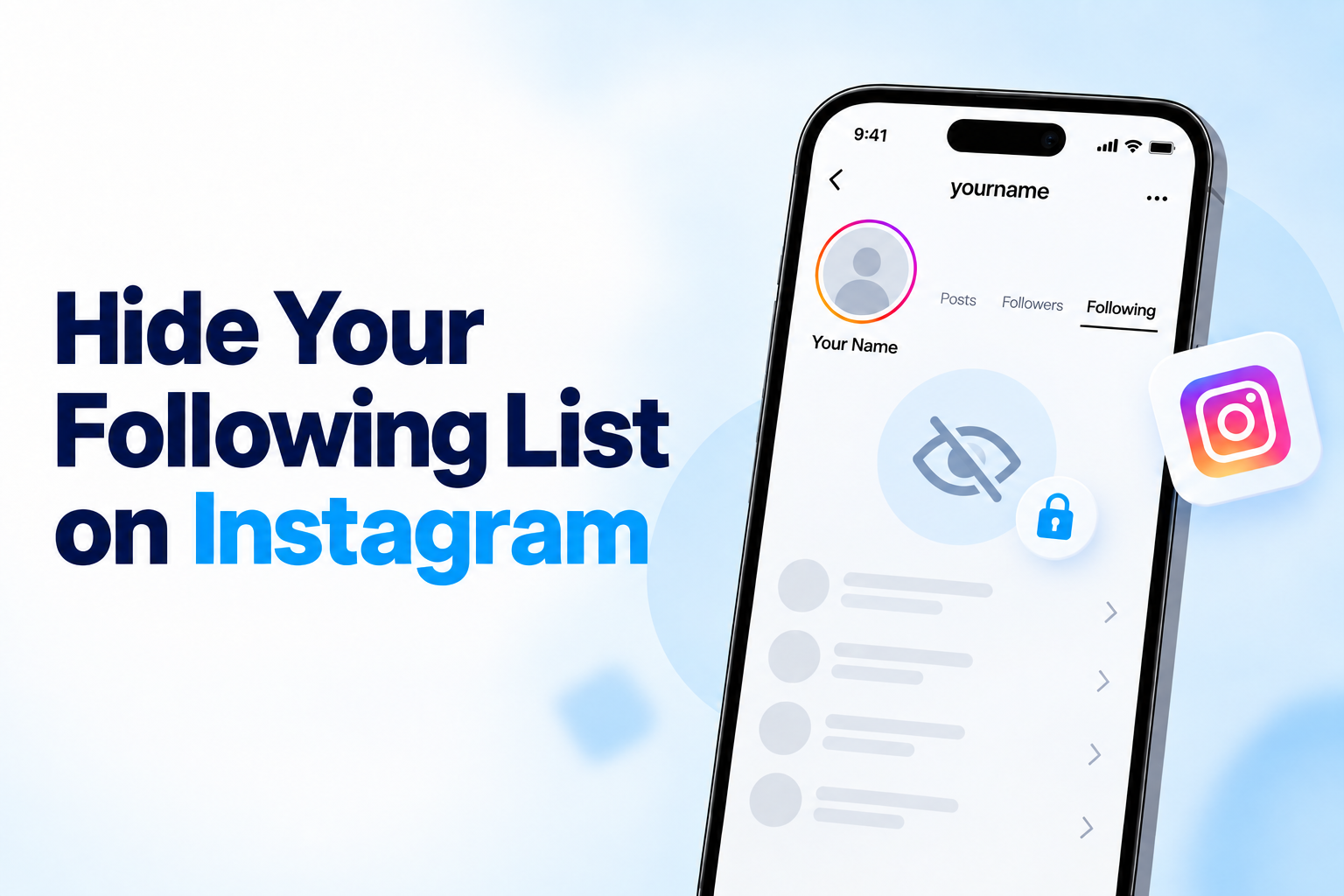
Instagram does not provide a separate setting for hiding only your following list. The visibility of that list depends mostly on your overall account privacy.
On a public account, people can usually check the accounts you follow. A private account limits access for people you have not approved. Your current followers may still see your following list after you make the account private. If you want to keep your following list away from one person, removing or blocking that account may work better than changing other privacy settings.
Followers List vs Follower Count
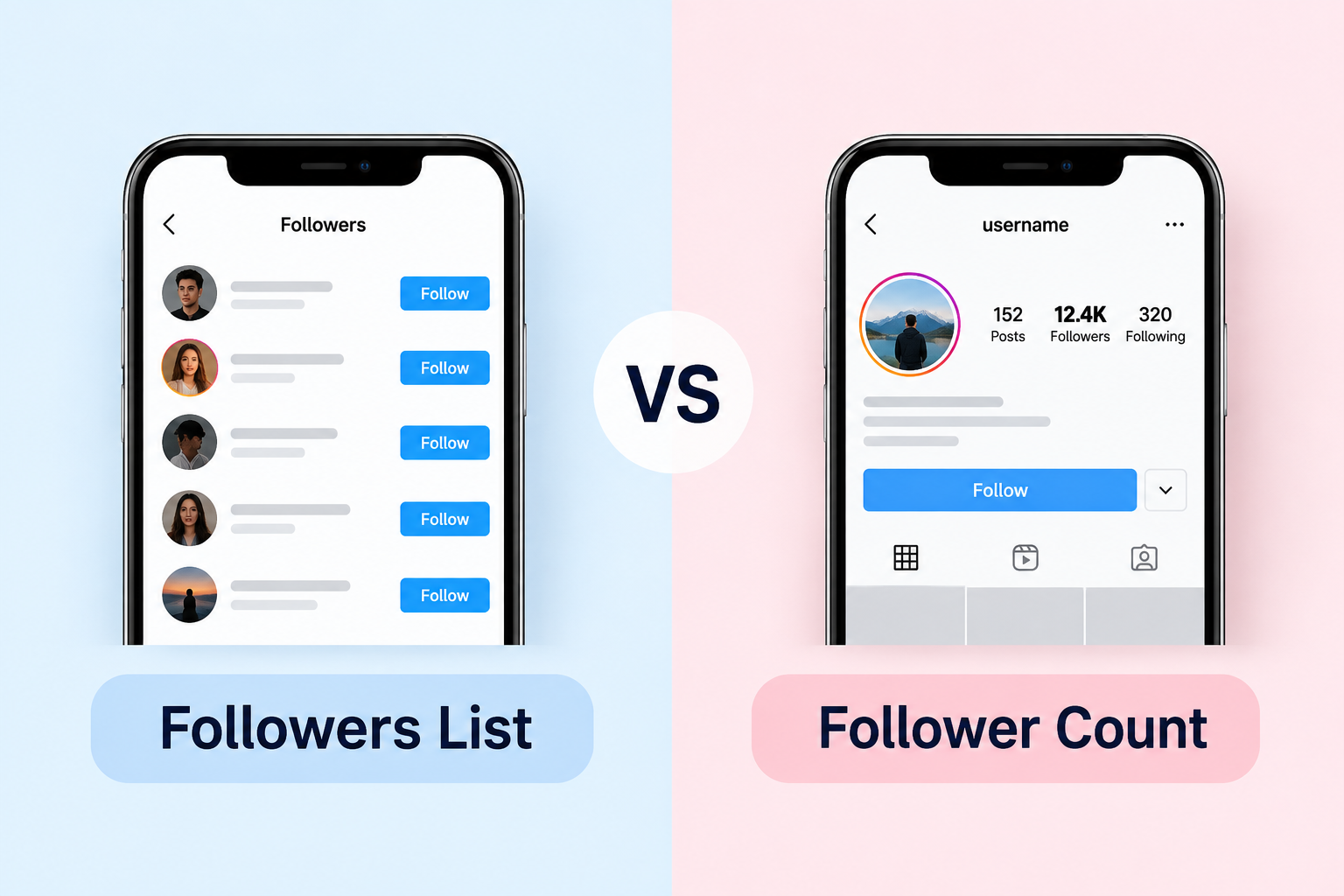
Your follower list shows who follows you, while your follower count only shows how many followers you have. Instagram handles these details differently, so changing one privacy setting does not hide everything.
| Feature | What It Shows | Who Can See It | Can You Hide It? | Best Privacy Option |
|---|---|---|---|---|
| Follower List | Individual accounts that follow you | Depends on your account privacy | Partly | Use a private account and review approved followers |
| Following List | Accounts you follow | Depends on your account privacy | Partly | Use a private account or remove specific people |
| Follower Count | Total number of followers | Usually visible on your profile | No separate hide option | No dedicated privacy setting |
| Public Account | More profile information stays open | Anyone | Limited control | Switch to private for more privacy |
| Private Account | Limits access for non-followers | Approved followers get more access | Better control | Best for general follower privacy |
| Remove Follower | Removes one person from your followers | That person loses follower access | Yes, for that user | Useful for one unwanted follower |
| Block | Stops one account from accessing you normally | Blocked account | Strongest individual control | Best for one specific person |
Best Privacy Option for Different Situations
The right privacy setting depends on what you want to control. If you want to keep strangers from seeing more of your profile, a private account gives you the most useful control. New people must send a follow request before they can follow you.
If one current follower is the problem, you can remove that person. If you want someone to stop accessing your profile, blocking gives you control. Restrict works better when the issue involves comments, messages, or unwanted interactions than follower visibility.
Close Friends serves another purpose. It lets you choose who can see selected Stories. It does not hide your follower or following lists.
Common Mistakes to Avoid
One common mistake is thinking that Restrict hides your followers. That is not true. Restrict mostly affects how someone can interact with your posts or message you. It does not make your follower list private.
Another mistake is removing a follower from an account and believing that person will no longer see your profile. That is not always the case. Since the account stays public, they can still visit your page unless you block them.
Switching to an account does not automatically remove people who already follow you. You must go through your current followers list. Manually remove anyone you don’t want to follow you anymore.
Also, be careful with third-party apps that claim to offer extra privacy features for followers. If Instagram itself does not provide a privacy option, giving login details to an unknown app can put your account at risk. It might lead to issues instead of solving them.
Final Thoughts
To hide followers on Instagram, first decide who you want to limit. Instagram does not offer one setting that hides your follower list from everyone.
For most users, a private account is the easiest place to start. It gives you more control over new followers. For one specific person, removing or blocking them may work better. For those also focused on Instagram promotion and audience growth, a trusted SMM panel in Bangladesh can provide additional social media services.
Frequently Asked Questions
Will someone know if I remove them as a follower?
Instagram does not send a notification when you remove someone from your followers. They may still notice later if they check your profile and see they no longer follow you. On a private account, they would need to send a new follow request.
Can existing followers still see my followers on a private account?
Yes. Switching to a private account does not remove people who already follow you. Approved followers may still be able to see your follower and following lists unless you remove or block them.
Does Restrict hide my followers?
No. Restrict does not hide your follower list. It mainly limits how someone can comment on your posts or message you. For follower privacy, use a private account, Remove, or Block.
Can I hide followers from one person without blocking them?
Not completely. Instagram does not offer a setting that hides your follower list from one approved follower. If your account is private, you can remove that person without blocking them. They would need your approval to follow you again.
Can I hide who I follow on Instagram?
Instagram does not have a separate setting for hiding only your following list. A private account can limit access for people you have not approved, but current followers may still see who you follow.