
Instagram content needs more than a good camera. It also needs clear editing, strong colours, readable text, clean audio and the right format.
The best Instagram editing apps for creators in 2026 are Instagram Edits, CapCut, Canva, Adobe Lightroom, InShot, Snapseed, VN Video Editor, Adobe Express, VSCO and Picsart.
Instagram Edits and CapCut are strong choices for Reels. Canva is ideal for carousel posts and Stories. Lightroom and Snapseed work best for photos. InShot is a simple choice for beginners.
Bangladeshi creators should choose an app based on their content type, phone, internet connection and budget. A free app is often enough for a new creator. A paid plan becomes useful when it saves time or supports client work.
Best Instagram Editing Apps at a Glance
| Rank | App | Best For | Free Version |
|---|---|---|---|
| 1 | Instagram Edits | Instagram Reels | Yes |
| 2 | CapCut | Short videos and effects | Yes |
| 3 | Canva | Carousels and branded posts | Yes |
| 4 | Adobe Lightroom | Professional photo editing | Yes |
| 5 | InShot | Simple mobile editing | Yes |
| 6 | Snapseed | Free photo editing | Yes |
| 7 | VN Video Editor | Multilayer video editing | Yes |
| 8 | Adobe Express | Business and team content | Yes |
| 9 | VSCO | Filters and feed style | Yes |
| 10 | Picsart | Creative image editing | Yes |
How We Selected These Instagram Editing Apps
Instagram creators have different needs. A photographer does not need the same tools as a Reel creator. A small business may also need different features from an influencer.
We selected the apps based on the following points:
- Ease of use
- Free editing features
- Photo and video quality
- Instagram format support
- Export quality
- Caption and text tools
- Value for Bangladeshi users
- Performance on mobile devices
Each app on this list solves a clear content problem. Some apps focus on video. Others focus on photos, designs or brand content.
1. Instagram Edits
Instagram Edits is one of the best apps for people who create Reels.
The app is made for Instagram content. It allows users to plan, record, edit and export videos. It also includes a timeline, text tools, transitions, green-screen effects and a teleprompter.
The teleprompter is useful for creators who speak in front of the camera. You can write your script first. You can then read it while recording.
This feature can help Bangladeshi tutors, business owners, reviewers and educational creators. It is useful for both Bangla and English videos.
Instagram Edits also makes it easier to work with Instagram audio and saved Reel ideas. This can reduce the time needed to move between different apps.
Best for
- Talking-head Reels
- Educational videos
- Business updates
- Product explanations
- Instagram-first creators
Main limitation
Instagram Edits is mainly a video app. It is not the best choice for advanced photo editing or carousel design.
2. CapCut
CapCut is one of the most popular apps for short-form video editing.
It offers video trimming, captions, music, transitions, speed controls, filters and templates. It also supports vertical video formats for Instagram Reels.
The interface is easy to understand. New creators can learn the basic tools quickly.
CapCut is useful for Bangladeshi food creators, fashion sellers, travel pages and small businesses. A clothing shop can use it to show products, prices and customer reviews in one short video.
A restaurant can use fast cuts to show food preparation. A tutor can add captions to a short lesson. A travel creator can combine several clips into one Reel.
Best for
- Instagram Reels
- Product videos
- Food videos
- Travel content
- Short tutorials
Main limitation
Many creators use the same CapCut templates. This can make content look common. Change the text, colours, timing and clips before publishing.
3. Canva
Canva is one of the best apps for Instagram graphics.
It is useful for carousel posts, Story designs, promotional banners, Reel covers and simple videos. It offers many ready-made Instagram templates.
Canva also helps creators maintain the same colours, fonts and layout across many posts. This is important for business accounts.
A Bangladeshi online shop can use Canva to create product posts. A coaching centre can create educational carousels. A restaurant can design offer posts and menu graphics.
Canva is also useful for social media managers. They can prepare content for several clients from one platform.
Best for
- Instagram carousel posts
- Story designs
- Promotional graphics
- Branded posts
- Reel covers
Main limitation
Canva is not a full professional video editor. Its photo correction tools are also more limited than Lightroom.
4. Adobe Lightroom
Adobe Lightroom is one of the best Instagram photo editing apps.
It gives creators control over exposure, brightness, contrast, shadows, colour and image details. It can also edit RAW photos.
Lightroom is a strong choice for photographers, fashion creators, food pages and travel accounts.
Bangladesh has strong sunlight and different indoor lighting conditions. These conditions can affect skin tones and product colours. Lightroom helps users correct these problems.
Creators can also save their edits as presets. A preset can be used on several photos. This helps keep the Instagram feed consistent.
Best for
- Fashion photography
- Wedding photography
- Product photos
- Food photography
- Travel content
Main limitation
Lightroom may feel difficult at first. Beginners should start with exposure, white balance, contrast and crop tools.
5. InShot
InShot is a simple video editing app for beginners.
It allows users to trim videos, add music, insert text, change speed and use transitions. It can also resize content for Reels, Stories and feed posts.
The app has a clean interface. Most tools are easy to find.
InShot is suitable for Bangladeshi creators who edit videos on their phones. It works well for daily content, product videos, recipes and short business updates.
A new creator does not need to learn a complex timeline. They can import clips, remove unwanted parts and export the video.
Best for
- New Instagram creators
- Simple Reels
- Daily videos
- Product demonstrations
- Recipe videos
Main limitation
InShot has fewer advanced tools than CapCut or VN. Experienced editors may need more control.
6. Snapseed
Snapseed is one of the best free photo editing apps.
It includes tools for brightness, contrast, white balance, crop, healing and selective editing. It can also edit RAW images.
Snapseed does not require a paid subscription for its main tools. This makes it a strong choice for students and new creators in Bangladesh.
The Healing tool can remove small objects from a photo. The Selective tool can edit one part of an image without changing the full photo.
For example, a seller can brighten a product without making the background too bright. A food creator can improve colour while keeping the food natural.
Best for
- Free photo editing
- Product photos
- Food photos
- Portrait correction
- Basic RAW editing
Main limitation
Snapseed does not edit videos. You will need another app for Reels.
7. VN Video Editor
VN Video Editor is a good choice for creators who need more timeline control.
It supports multiple video layers, text, subtitles, music, transitions and speed changes. It also gives users more control over clip timing.
VN is useful for longer Reels, travel videos, interviews and mini-documentaries.
A creator can place voiceovers, music, text and video clips on separate layers. This makes the editing process more organised.
The app is also useful for creators who want advanced features without moving to desktop software.
Best for
- Multilayer videos
- Interviews
- Travel Reels
- Story-based videos
- Detailed editing
Main limitation
Large projects may run slowly on entry-level phones. Too many layers can also make the project harder to manage.
8. Adobe Express
Adobe Express combines design, photo editing and simple video editing.
It includes templates for posts, Stories, Reels and business graphics. Users can add text, photos, videos, icons and brand colours.
Adobe Express is useful for small businesses and social media teams. It works across both mobile and desktop devices.
A Bangladeshi business can start a design on a computer. A team member can later review or edit it on a phone.
This can make content approval easier for agencies and small marketing teams.
Best for
- Small businesses
- Social media teams
- Branded content
- Business graphics
- Cross-device editing
Main limitation
Adobe Express offers many tools, but it is not the strongest app for detailed video editing or professional photo correction.
9. VSCO
VSCO is known for its filters and presets.
The app helps creators create a consistent Instagram feed. It is popular with fashion, lifestyle, travel and café pages.
VSCO filters often have a soft and natural look. Creators can also change the strength of each preset.
A consistent colour style can make a profile look more organised. It can also help followers recognise the creator’s content.
Bangladeshi lifestyle and travel creators can use VSCO for street photos, café content, fashion posts and city photography.
Best for
- Lifestyle content
- Fashion posts
- Travel photos
- Consistent feed design
- Film-style filters
Main limitation
Filters cannot fix a poor photo. Good lighting and clear composition are still important.
10. Picsart
Picsart is a creative image editing app.
It includes background removal, object removal, collages, effects, stickers and design templates. It can also create bold promotional images.
Picsart is useful for online shops, entertainment pages and creators who need product cutouts.
A seller can remove the background from a product photo. They can then place the product on a clean design. They can also add prices, offers and contact details.
The app is also useful for creating thumbnails, event graphics and creative Story posts.
Best for
- Product cutouts
- Promotional posts
- Creative designs
- Background removal
- Collages
Main limitation
Too many effects can make a design look unprofessional. Use stickers, shadows and filters with care.
Best Free Instagram Editing Setup for Bangladeshi Creators
New creators do not need several paid subscriptions.
Paid plans often require international payment methods. Some subscriptions may also include extra taxes or currency conversion fees.
Check the final cost before buying a plan. Do not assume that every app will accept direct bKash, Nagad or Rocket payments.
Upgrade only when a premium tool gives you a clear benefit. It may save time, remove limits or support paid client work.
How to Choose the Best Instagram Editing App
Choose an app based on your main content
Use a video editor if you publish Reels. Use a photo editor if you share photography. Use a design app if you create carousels and promotions.
Start with the free version
Test the free tools before paying. Use the app for several posts. Check whether it improves your workflow.
Check export quality
The app should export clear images and videos. It should not reduce quality too much.
Avoid visible watermarks when possible. Clean exports look more professional.
Check Bangla text support
Not every font displays Bangla correctly. Test vowel signs, joined letters and punctuation.
Export a short test video before completing the full project.
A Simple Instagram Editing Workflow
1. Set one goal
Decide what the post should do.
It may explain a topic, show a product, entertain viewers or build trust.
2. Choose the right format
Use vertical video for Reels and Stories.
Use portrait or square designs for feed posts and carousels.
Choose the format before adding text.
3. Remove weak clips
Delete blurry clips, long pauses and repeated scenes.
Keep only the parts that support the message.
4. Correct the basics
Fix brightness, colour, framing and audio first.
Add filters and effects later.
5. Add readable text
Use clear fonts and short lines.
Keep important text away from the top, bottom and sides of the screen. Instagram buttons may cover these areas.
6. Check the Bangla captions
Review every Bangla word. Check spelling and line breaks.
Make sure the text is easy to read on a small screen.
7. Export a clean file
Save a high-quality version without another platform’s logo.
This makes it easier to publish the same original content on Instagram and other platforms.
8. Review the results
Check views, watch time, saves, shares, comments and profile visits.
Use this data to improve the next post. A clear Instagram monitoring process can help you understand which content works best.
Common Instagram Editing Mistakes
Using too many transitions
Transitions should support the story. They should not distract the viewer.
Applying heavy filters
Heavy filters can change skin tones and product colours. This can reduce trust.
Copying a template without changes
Popular templates appear on many accounts. Change the clips, colours, text and timing.
Paying for tools too early
Free apps can handle most beginner tasks. Buy a premium plan only when you need it.
Expecting editing to guarantee growth
Good editing can improve the viewing experience. It cannot guarantee followers or sales.
Creators also need useful content, regular posting and audience research. A balanced paid and organic social media marketing strategy can support long-term growth.
How Editing Supports Instagram Growth
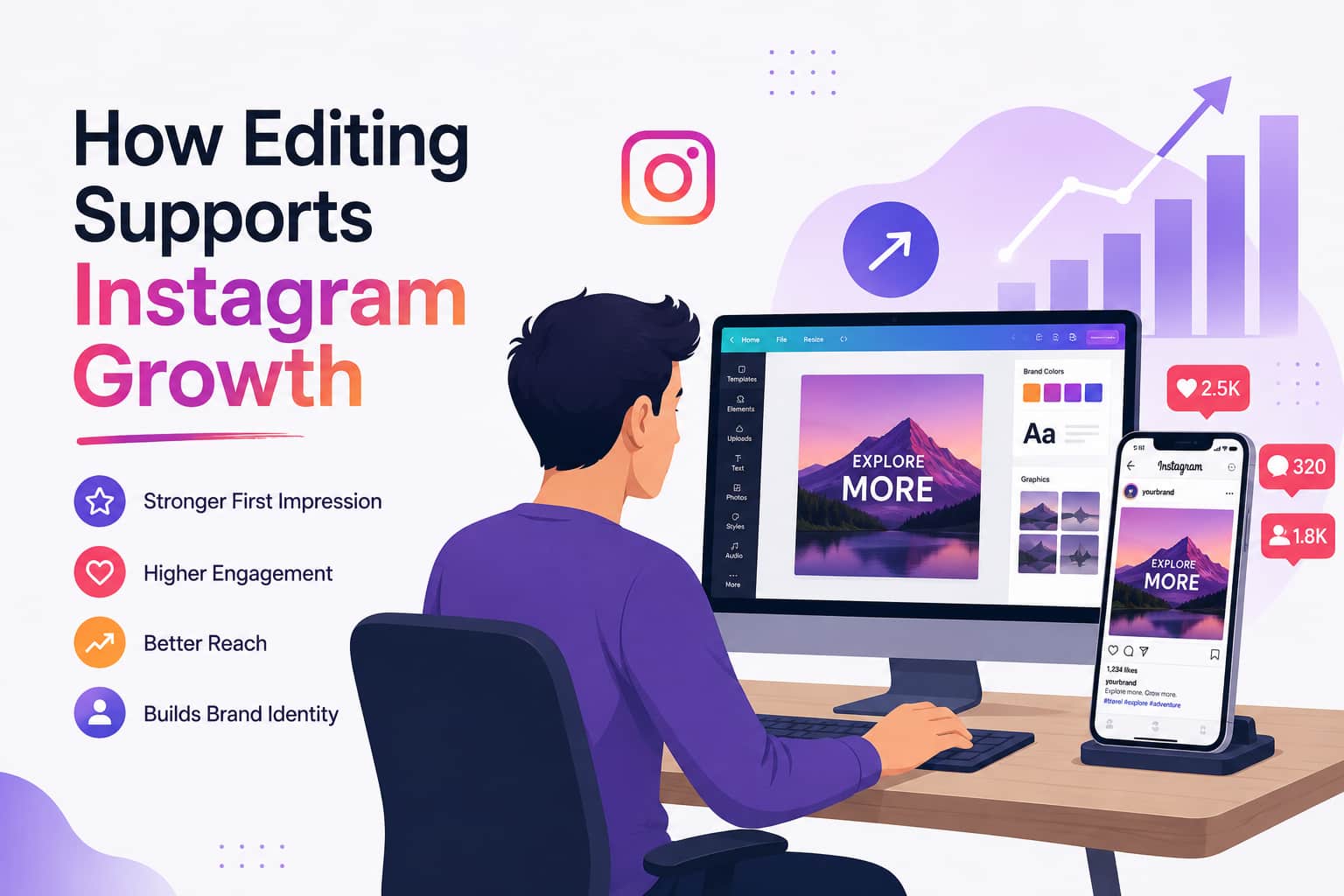
Good editing makes content easier to understand.
A clear opening can keep people watching. Readable captions can help viewers follow the message. Strong covers can improve profile appearance.
Editing should support the content idea. It should not hide a weak message.
Creators should also work on captions, topics and hashtags. A focused Instagram growth hashtag strategy can help Instagram understand the content topic.
Editing works best when it is part of a full content plan. Learn more about the benefits of Instagram marketing in 2026 before building a long-term strategy.
Why Bangladeshi Creators Can Trust SMMXZ
smmxz.com understands the needs of Bangladeshi social media users.
Local creators often work with small budgets, mobile devices and local payment methods. They also need simple guidance that matches the Bangladesh market.
SMMXZ provides useful resources about Instagram growth, content promotion and social media safety. The platform explains both the benefits and limits of promotional services.
Creators can read the guide on how to use an SMM panel for Instagram growth before using any paid support.
They can also learn whether SMM panels are safe for Instagram.
SMMXZ does not replace strong content. It can support a wider marketing plan. Original posts, honest communication and audience trust should always come first.
Final Thoughts
The best Instagram editing app depends on your content.
Choose Instagram Edits or CapCut for Reels. Use Canva for carousels and branded graphics. Choose Lightroom or Snapseed for photos. Use InShot if you need a simple video editor.
Bangladeshi creators should begin with free apps. Test each app on your phone. Check its speed, quality and Bangla text support.
Do not use more tools than you need. A simple workflow often produces better results.
Clear editing, useful content and regular publishing can help your Instagram profile grow over time.